
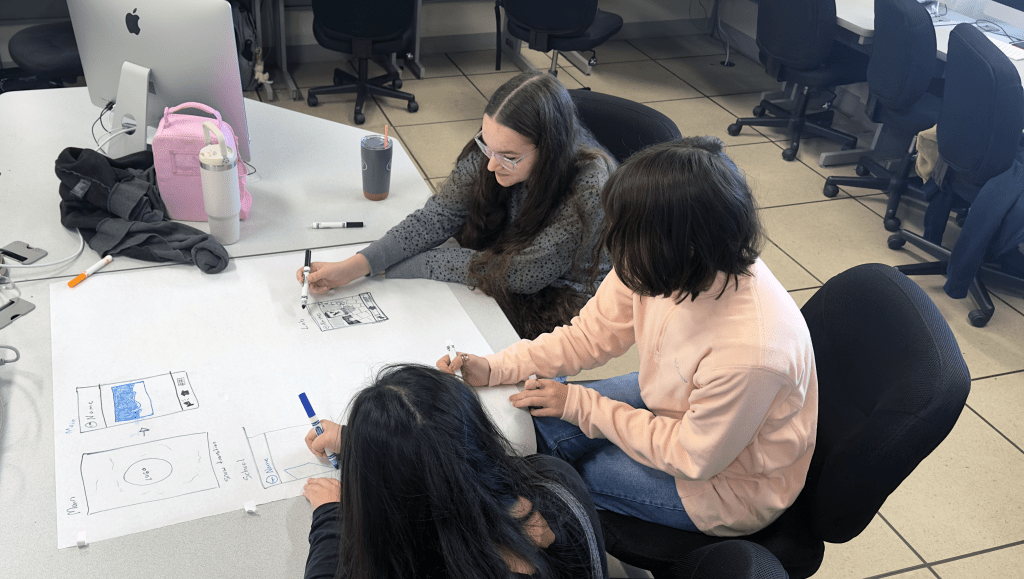
In today’s digital age, it’s crucial for students to develop skills in user interface (UI) and user experience (UX) design. To achieve this, the Advanced Technologies Academy junior class recently completed a project focused on engaging students through the practical application of Figma, a professional tool for designing and prototyping mobile apps. This hands-on approach not only captured their interest but also allowed them to gain a deeper understanding of design principles.
The Journey
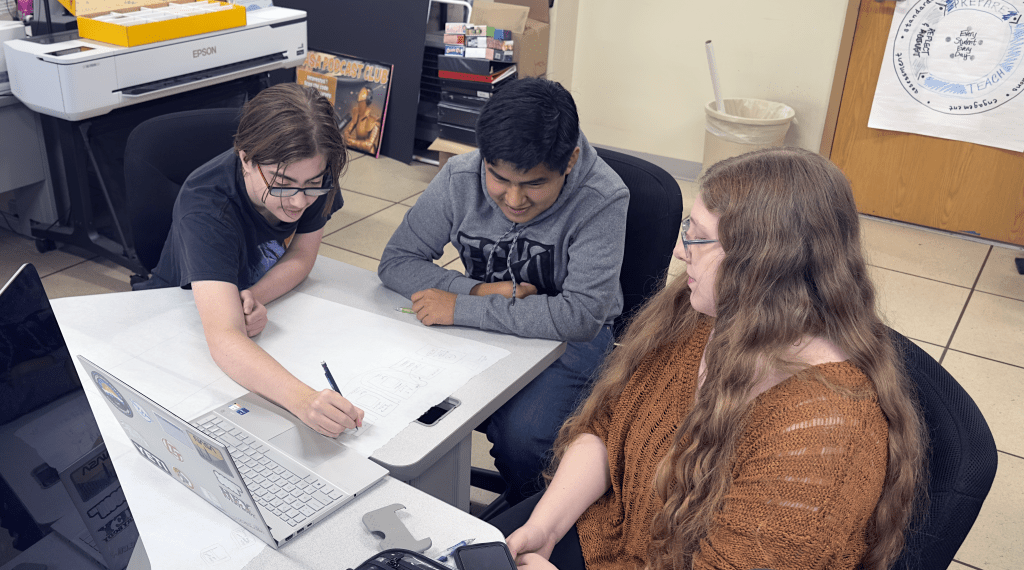
The project began with an introduction to key concepts and vocabulary in UI and UX design. Students learned about usability, user-centered design, and the iterative design process. Equipped with this foundational knowledge and their partner, they embarked on their journey to create a mobile app prototype.
Research and Planning: Students started by researching existing apps, identifying their strengths and weaknesses, and defining the problem their app would solve. They created detailed project plans and written proposals that outlined their goals, target audience, and initial ideas.
Storyboarding: Next, students visualized their app’s user journey through storyboards. This step helped them think critically about the app’s structure and user interactions.
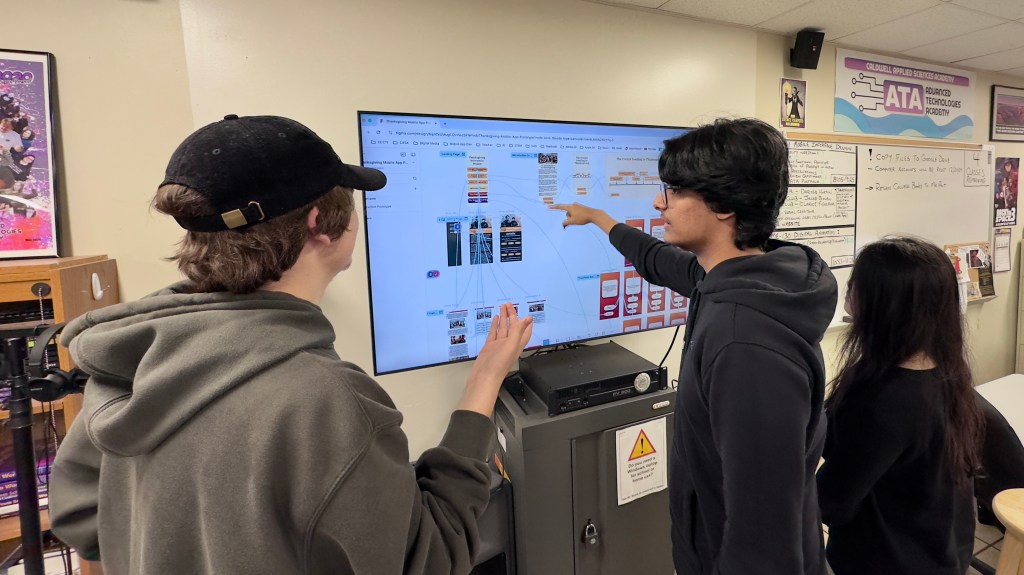
Wireframing and Prototyping: Using Figma, students developed wireframes and interactive prototypes. This hands-on activity allowed them to apply design principles and create functional app interfaces. They tested their prototypes with peers, gathering valuable feedback.
Feedback and Iteration: Regular feedback sessions were integral to the project. Students presented their prototypes, received critiques, and iterated on their designs. This iterative process honed their problem-solving skills and reinforced the importance of user feedback in design.
Final Presentation: The project culminated in a final presentation where students showcased their app prototypes. They explained their design choices, how they integrated user feedback, and reflected on their learning journey.
Student Examples
The following video includes screen recordings of the students using their interactive mobile app prototypes.
Conclusion
This project not only engaged students but also provided them with valuable skills in UI and UX design. By working with Figma, they gained hands-on experience in creating functional prototypes and understanding the iterative design process. The student examples showcased their ability to think critically, solve problems, and design user-centered applications. This hands-on approach to learning has equipped them with the tools and knowledge needed for future success in the digital world.
 Our Classroom Journey
Leave a comment